Sep 2026
Client Workspaces for Agencies
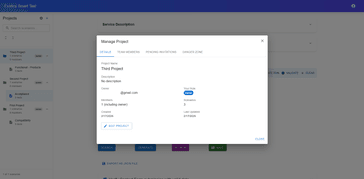
Running QA for multiple clients? Group your projects by client under Settings → Client Workspaces (Enterprise). Your sidebar now shows every client’s projects under one collapsible header — no more naming conventions to keep engagements separated.
Sep 2026
Undo & Redo in the Scenario Editor
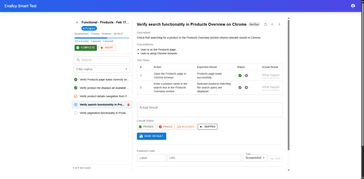
Made a mistake editing a test case? Undo it. Changed your mind? Redo it. The scenario editor now keeps your last 10 edits with Ctrl+Z / Ctrl+Y shortcuts, and survives an unexpected reload so your history is never lost.
Apr 2026
PDF Export for Test Runs
Generate professional PDF reports directly from your Test Runs. Share execution results, pass/fail breakdowns, and defect summaries with stakeholders — no extra tooling required.
Apr 2026
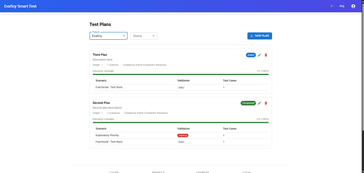
Test Plan Management
Plan and organise your testing efforts with dedicated Test Plans. Link scenarios, set timelines, and track coverage — all from a dedicated management page.
Sign in with your Google account using Single Sign-On. Faster onboarding, no extra passwords to manage, and enterprise-grade authentication security out of the box.
Apr 2026
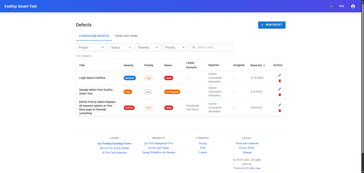
Jira Integration & Sync
Connect Evaficy Smart Test to your Jira workspace and push defects directly from test runs. Create Jira issues with a single click, link them back to the defect record, and keep your bug tracker up to date without leaving the QA tool.
Full activity trail for every action taken in your workspace — who did what and when. Meet compliance requirements and trace changes across projects, users, and configurations.
Generate personal access tokens to authenticate API requests and integrate Evaficy with your CI/CD pipelines, scripts, and internal tools — without exposing your credentials.
Apr 2026
Job Queue for AI Generation
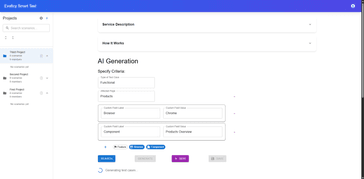
A dedicated background job queue for AI-powered test case generation. Run large batch generation requests without blocking the UI — results land in your scenario when ready.
Apr 2026
AI Regression Selection
Describe what changed in your release and let AI rank your scenarios by risk. The highest-impact scenarios are pre-selected for your next test run — so you test what matters most, faster.
Apr 2026
AI Test Maintenance
Scenarios reviewed more than 30 days ago surface an automatic prompt to review with AI. Describe what changed and AI flags each test case as valid, needing an update, or obsolete — keeping your test suite accurate without manual auditing.
Apr 2026
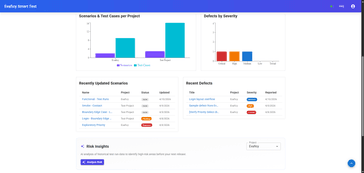
AI Defect Prediction
The Dashboard now includes a Risk Insights panel that analyses historical test run data to score each scenario by failure risk. Get an AI-generated summary of your highest-risk areas before every release.